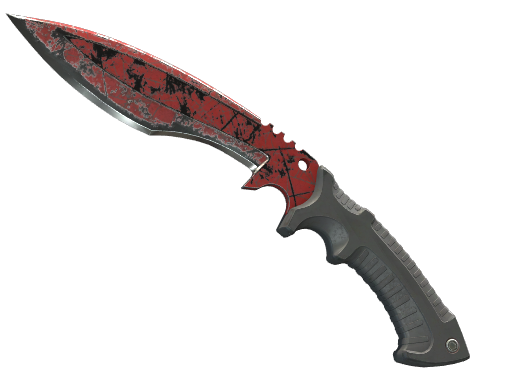
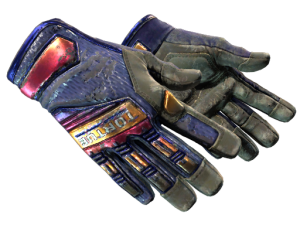
CS2Rifle
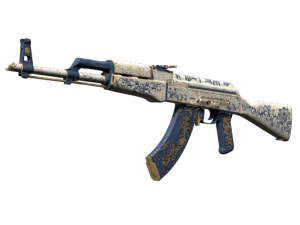
AK-47Inheritance
We aim to offer you the best terms on the skin market. To do this, our automated system updates the price list every 30 minutes, instantly adjusting prices to the current market situation. This lets us react quickly to changes so you can sell your skins as profitably as possible at any moment
The transaction goes into processing right after you accept the trade offer. In most cases the money arrives within a few minutes. Rare delays are possible at night or during maintenance of payment systems.
By default, we support cards issued by banks in the following countries:
The set of available countries and payment systems may change. To find out the exact list of payout methods available for your country, ask support.
If the trade offer doesn't show up in Steam, try the following:
Selling skins is currently supported for the following games:
The trade link (Trade URL) is needed so our bot can send you a trade offer. You can find it like this:
The link is requested once, at your first sale, and is saved in your profile.
Yes. We use the official Steam OpenID for authorization — we never ask for your Steam login or password. Trade offers are sent only through the official Steam API.
Some skins may have no price if they aren't traded on the Steam Community Market or price data is temporarily unavailable. Such items can't be sold through our service. Try refreshing your inventory later.
You can decline the trade offer in Steam before accepting it — in that case the deal is canceled automatically. Once the trade is accepted, cancellation is handled manually through support.